
“Behind every useful automation is context: the right trigger, the right data, and the right next action.”
Some digital tools are designed to connect applications, move information between them, and automate repetitive work. In this context, the term refers to a cloud-based automation platform that helps users create workflows between different online services without heavy custom development. Its purpose is to reduce manual tasks, improve consistency, and accelerate business processes across teams.
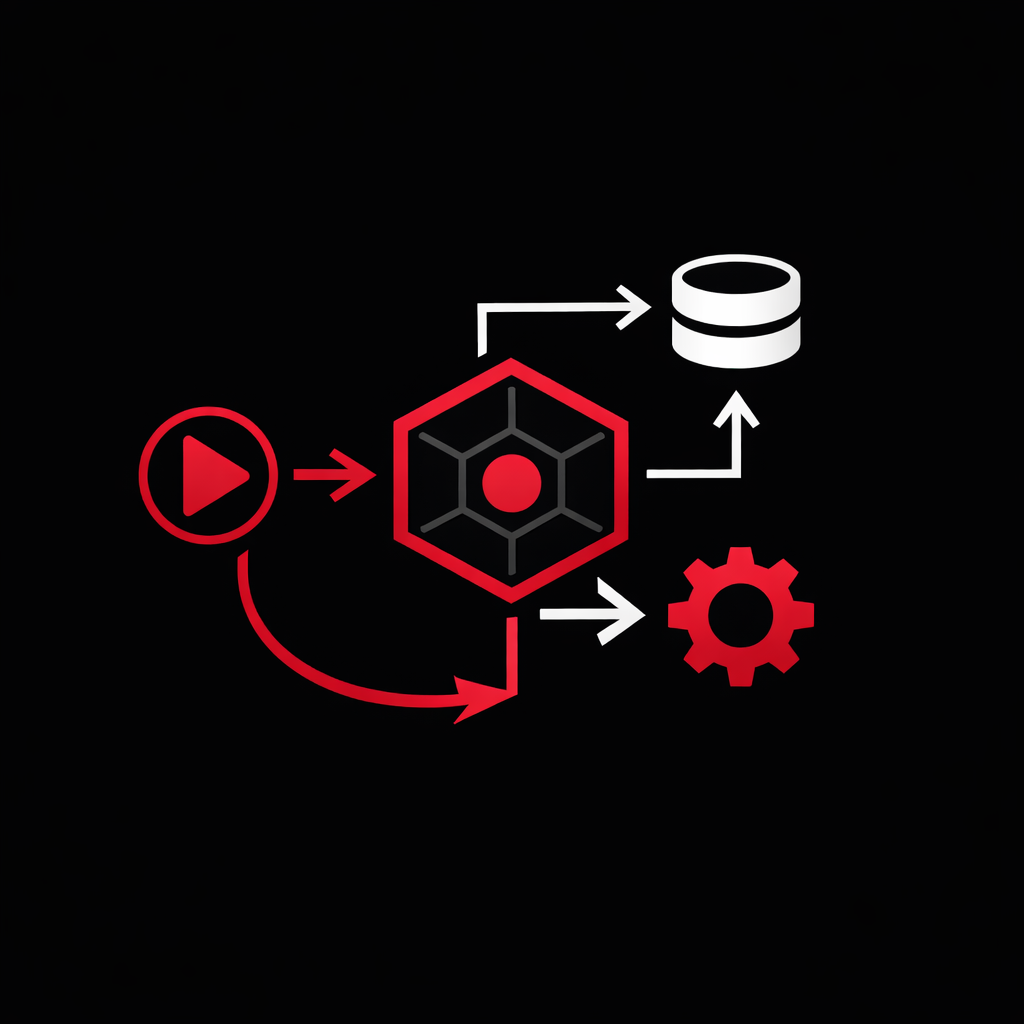
At its core, this kind of platform works by linking an event in one service to an action in another. For example, when a form is submitted, a task can be created, a message can be sent, a record can be updated, or a document can be generated. The value comes from orchestrating these steps reliably and quickly, especially when many business tools must work together.
What this stands for in practice
It represents a practical approach to workflow automation built around three main ideas:
- Trigger: a specific event starts the workflow, such as receiving an email, submitting a form, or updating a spreadsheet.
- Action: one or more operations are executed in response, such as creating a contact, posting a notification, or storing data.
- Connection between services: separate applications exchange useful information without requiring users to manually copy and paste data.
This model is especially helpful in environments where collaboration, productivity, and speed matter. Marketing, project management, customer support, sales operations, and internal administration often benefit from this type of automation.
Why context matters
Automation without context can create noise, duplication, or errors. Context gives meaning to data and helps determine what should happen next. In workflow design, context may include:
- Who initiated the event
- What type of record was created or updated
- Which team or department is concerned
- When the event occurred
- What previous steps have already been completed
When context is handled correctly, automations become more relevant and more intelligent. Instead of executing the same generic action every time, the workflow can adapt to business rules, priorities, customer segments, or project stages.
Typical business use cases
- Collaboration: route updates from one tool to shared channels so teams stay aligned.
- Project management: convert requests into tasks automatically and assign them based on rules.
- Marketing: sync leads from forms or campaigns into customer management tools.
- Change management: notify stakeholders when important records, approvals, or milestones change.
- Business operations: reduce repetitive administrative work and standardize data flow.
Benefits and limitations
Benefits
- Saves time on repetitive tasks
- Reduces manual errors
- Improves traceability across tools
- Supports scalable operational processes
- Helps non-developers build useful integrations
Limitations
- Complex workflows still require careful design
- Poor data quality leads to poor results
- Too many automations can become difficult to govern
- Security and access management must be controlled
- Advanced business logic may require custom development
Good practices for effective use
- Start with a clear business problem, not with the tool itself
- Map the process before automating it
- Define the minimum context required for each decision
- Test exceptions, not only ideal scenarios
- Monitor outcomes and adjust workflows over time
Used well, this approach is not just about connecting applications. It is about structuring information, preserving context, and making work move forward with less friction.