
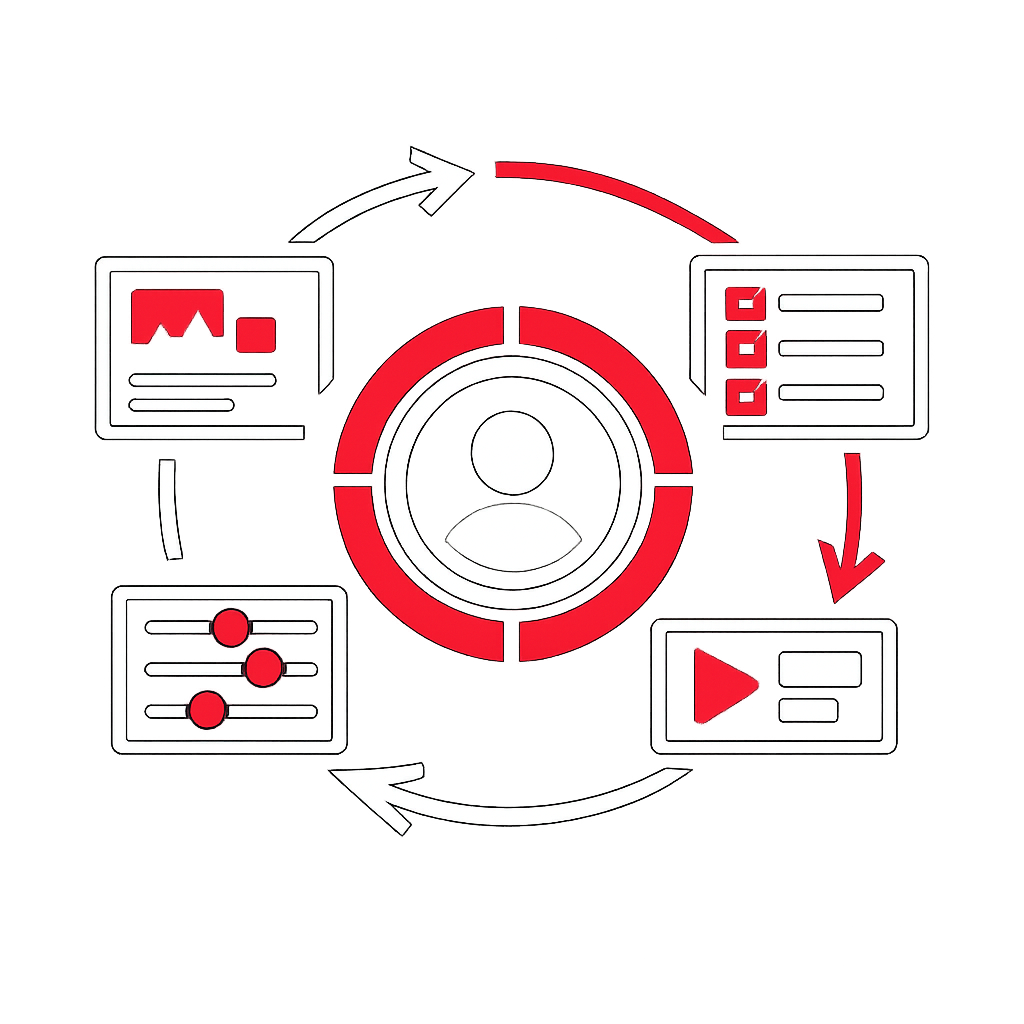
“Design starts with people: understand needs, test early, improve often, and build solutions that are useful and usable.”
User Centered Design stands for User-Centered Design. It is an approach to creating products, services, systems, or digital experiences by focusing on the people who will use them throughout the whole design and delivery process. Instead of starting with features, technology, or internal assumptions, this method begins with real user needs, behaviors, expectations, constraints, and goals.
This approach is widely used in software, websites, collaboration platforms, enterprise tools, mobile applications, customer portals, and internal business solutions. Its purpose is to improve usefulness, usability, accessibility, adoption, and satisfaction while reducing friction, confusion, and rework.
What it means
The expression refers to a design philosophy and working method where end users are considered from the beginning to the end of a project. Decisions are guided by observation, research, validation, and iteration. Teams do not simply ask what can be built; they ask what should be built so that people can achieve their objectives effectively, efficiently, and with confidence.
In practice, this means:
- Understanding who the users are
- Identifying their tasks, motivations, and pain points
- Designing solutions based on evidence rather than assumptions
- Testing ideas early with real users
- Improving the solution through repeated feedback loops
Why it matters
Many business and technology initiatives fail not because the solution is technically weak, but because it does not fit the real context of use. A system may be powerful yet difficult to understand. A process may be efficient for the organization but frustrating for employees or customers. A feature may be delivered on time but remain unused because it solves the wrong problem.
By focusing on users, organizations can:
- Increase product adoption
- Reduce training and support needs
- Improve customer and employee satisfaction
- Lower the cost of late-stage corrections
- Strengthen alignment between business goals and practical usage
- Create more inclusive and accessible experiences
Core principles
1. Start with understanding
Teams first learn about users through interviews, observation, surveys, workshops, support data, or usage analytics. The goal is to understand what people are trying to do, what blocks them, and what success looks like from their perspective.
2. Involve users continuously
People are not consulted only at the end. They contribute throughout discovery, concept development, prototyping, testing, and improvement. Continuous involvement reduces the risk of building the wrong solution.
3. Design for real contexts
Use does not happen in isolation. Users may work under time pressure, on mobile devices, in noisy environments, across teams, or with different levels of digital confidence. Good design takes these realities into account.
4. Iterate instead of assuming
Early versions, mockups, or prototypes are used to validate ideas before full implementation. Feedback is treated as a source of learning, not as a late correction.
5. Balance user needs and business goals
This method does not ignore strategy, cost, compliance, or operational constraints. It helps teams find solutions that are both valuable for users and viable for the organization.
Typical steps
Although the process may vary by organization, it often includes the following stages:
- Research: gather insights about users, tasks, environment, and challenges
- Definition: clarify the problem to solve and prioritize needs
- Ideation: explore possible solutions
- Prototyping: create simple representations of the solution
- Testing: observe how users interact with the proposed design
- Refinement: improve based on findings
- Implementation and follow-up: monitor usage and continue improving
Common methods used
- User interviews
- Field observation
- Journey mapping
- Task analysis
- Personas when based on real evidence
- Wireframes and prototypes
- Usability testing
- Accessibility reviews
- Feedback analysis and usage metrics
Examples in business and technology
In a collaboration platform, this approach helps ensure that document sharing, approvals, notifications, and search match how teams actually work.
In project management tools, it can reduce reporting burden, simplify status updates, and make planning more intuitive.
In change management, it supports adoption by identifying resistance points, training needs, and practical barriers before launch.
In product management, it improves prioritization by focusing on outcomes for users rather than internal feature lists.
In marketing technology, it helps create journeys, forms, and interfaces that are clearer and more effective for customers.
Frequent misunderstandings
- It is not only about interface design. It also concerns workflows, content, accessibility, service interactions, and overall experience.
- It is not the same as asking users to design the product. Teams interpret user evidence and translate it into coherent solutions.
- It is not opposed to business objectives. It is a way to achieve them more effectively.
- It is not a one-time activity. User expectations and business contexts evolve, so improvement must continue.
How to apply it well
- Talk to real users early
- Validate important assumptions before development
- Use prototypes to learn quickly
- Observe behavior, not only opinions
- Include accessibility from the start
- Measure success with both business and user outcomes
- Keep improving after release
References
- Wikipedia – User-centered design
- Interaction Design Foundation – User Centered Design
- Usability.gov – User-Centered Design Basics
When organizations design around real human needs, they improve both experience and performance. This is why this approach remains one of the most practical foundations for creating useful, usable, and adopted solutions.