
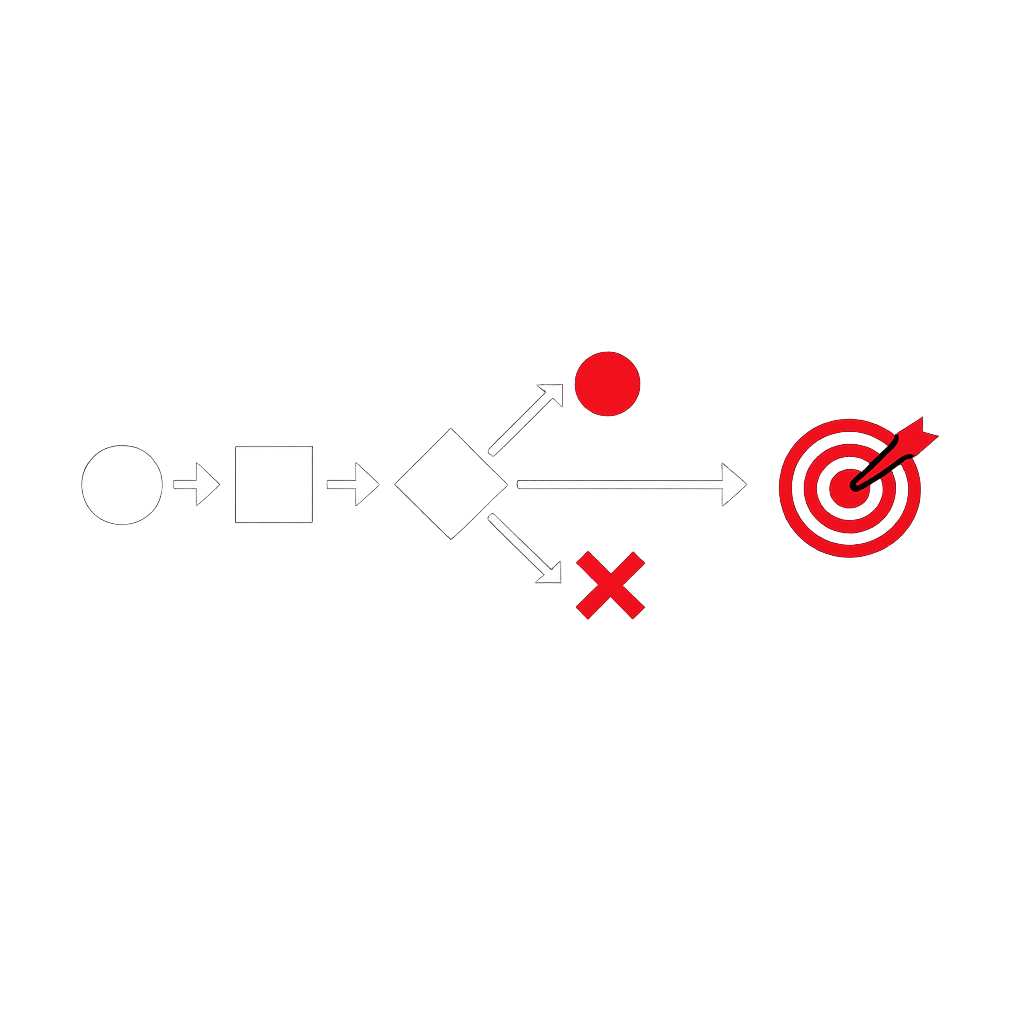
“Step through a task like a first-time user to reveal friction early, improve clarity, and reduce avoidable failure.”
A cognitive walkthrough is a structured evaluation method used to examine how easily someone can complete a task with a product, service, interface, or process, especially on a first attempt. It focuses on learnability: whether a person can understand what to do at each step, recognize the right action, and interpret the result correctly.
This approach is especially useful when a team wants to identify obstacles before broad adoption, reduce confusion in critical flows, and improve task completion without relying only on assumptions. Instead of asking whether a system is generally good, it asks a more practical question: can someone successfully move from intention to action to result?
The method is based on a step-by-step review of a scenario. Evaluators select a realistic goal, define the sequence of actions needed to achieve it, and then assess each action from the perspective of the intended audience. The walkthrough is “cognitive” because it examines the mental effort required to understand what to do next.
What it stands for
A cognitive walkthrough stands for a practical way to inspect how understandable an experience is during task execution. It helps reveal whether:
- the next step is visible or discoverable,
- the available choices make sense to the person performing the task,
- the person can connect an action with their goal,
- the feedback confirms that progress is being made,
- mistakes are likely because labels, controls, or sequencing are unclear.
In simple terms, it is a disciplined way to think like someone who is trying to achieve something for the first time, without prior training or insider knowledge.
Core idea
The walkthrough typically examines a task through a sequence of questions at each step. While formulations vary, the logic often includes the following checks:
- Will the person try to achieve the right outcome at this stage?
- Will they notice that the correct action is available?
- Will they understand that this action is the right one?
- After acting, will they see and understand the feedback?
If the answer is uncertain or negative at any step, the evaluator has found a potential usability issue. These issues often point to problems in navigation, wording, hierarchy, sequencing, visual emphasis, or confirmation messages.
How it is performed
A typical cognitive walkthrough includes the following elements:
- Define the audience: identify the expected level of knowledge, habits, constraints, and likely assumptions.
- Select a realistic goal: for example, submitting a request, approving a document, configuring a feature, or completing a purchase.
- Break the goal into actions: describe each step necessary to complete the task.
- Review each step: analyze whether the intended person can discover, choose, and interpret the right action.
- Record issues: capture where confusion, hesitation, or error is likely to occur.
- Recommend improvements: simplify the sequence, improve labels, clarify feedback, or reduce ambiguity.
This can be done with sketches, prototypes, existing interfaces, internal workflows, portals, forms, or even service interactions involving several systems.
Why it matters
Many failures do not come from a lack of functionality, but from a lack of clarity. A process may be technically complete and still be difficult to use. A cognitive walkthrough helps teams detect this gap early by focusing on the path a person follows to achieve a concrete objective.
Its value is particularly strong when:
- the audience is unfamiliar with the solution,
- the task is important or irreversible,
- errors are costly in time, money, compliance, or trust,
- adoption depends on intuitive use rather than formal training,
- teams need quick insight before investing in wider rollout.
For business and technology teams, this creates a bridge between design intent and operational reality. It supports better onboarding, fewer support requests, faster execution, and greater confidence in digital processes.
Common use cases
- Reviewing a new employee self-service portal
- Assessing how a customer completes registration
- Checking whether a manager can approve a workflow request
- Evaluating a product setup or configuration journey
- Inspecting a reporting or dashboard navigation path
- Analyzing a change in a business-critical application
It is also useful in project delivery because it helps teams validate whether implementation decisions truly support user goals, instead of only meeting technical requirements.
Strengths
- Early detection: issues can be identified before release.
- Low cost: it does not always require large-scale testing sessions.
- Task focus: attention stays on concrete outcomes, not abstract opinions.
- Actionable findings: results often point to clear improvements.
- Useful across domains: software, workflows, forms, and service processes can all be reviewed.
Limitations
Like any method, a cognitive walkthrough has limits. It is most effective for task-based analysis and learnability. It is less suited to measuring long-term satisfaction, emotional response, performance under pressure, or behavior shaped by real-world context over time.
Its quality also depends on how accurately evaluators represent the intended audience. If the team assumes too much knowledge or skips realistic constraints, the walkthrough may miss important problems.
For that reason, it works best when combined with observation, feedback from actual users, analytics, and iterative refinement.
Good practices
- Use realistic scenarios rather than idealized flows.
- Focus on the intended audience, not expert knowledge.
- Pay attention to wording, not only layout.
- Inspect feedback messages as carefully as action controls.
- Document assumptions explicitly.
- Prioritize issues by impact on task completion.
A strong walkthrough is not about proving a solution works. It is about finding where understanding breaks down, then improving the experience before confusion becomes resistance, rework, or failure.
Practical example
Imagine a business application where a team member must submit an expense claim. The evaluator reviews the process from the perspective of someone using it for the first time:
- Can the person identify where to start?
- Do they understand the difference between creating, saving, and submitting?
- Can they tell which documents are required?
- Do they know what happens after submission?
- If an error appears, can they recover without external help?
This exercise may reveal that the “submit” action is hidden, the document requirement is unclear, or the confirmation message does not explain next steps. These are often small issues individually, but together they create friction that affects productivity and trust.
Business value
From a management perspective, a cognitive walkthrough helps reduce avoidable inefficiency. It supports smoother adoption of digital tools, more reliable execution of business processes, and clearer alignment between intended workflows and actual behavior.
In environments where collaboration, change, and delivery speed matter, this method helps teams make better decisions with limited time. It is a practical way to improve quality before issues scale across departments, customers, or partners.